Save ChatGPT Chats to PDF, Markdown & More
A browser extension that saves ChatGPT AI conversations in seconds. Multiple formats, fully customizable PDF exports.
Add to Chrome · It's Free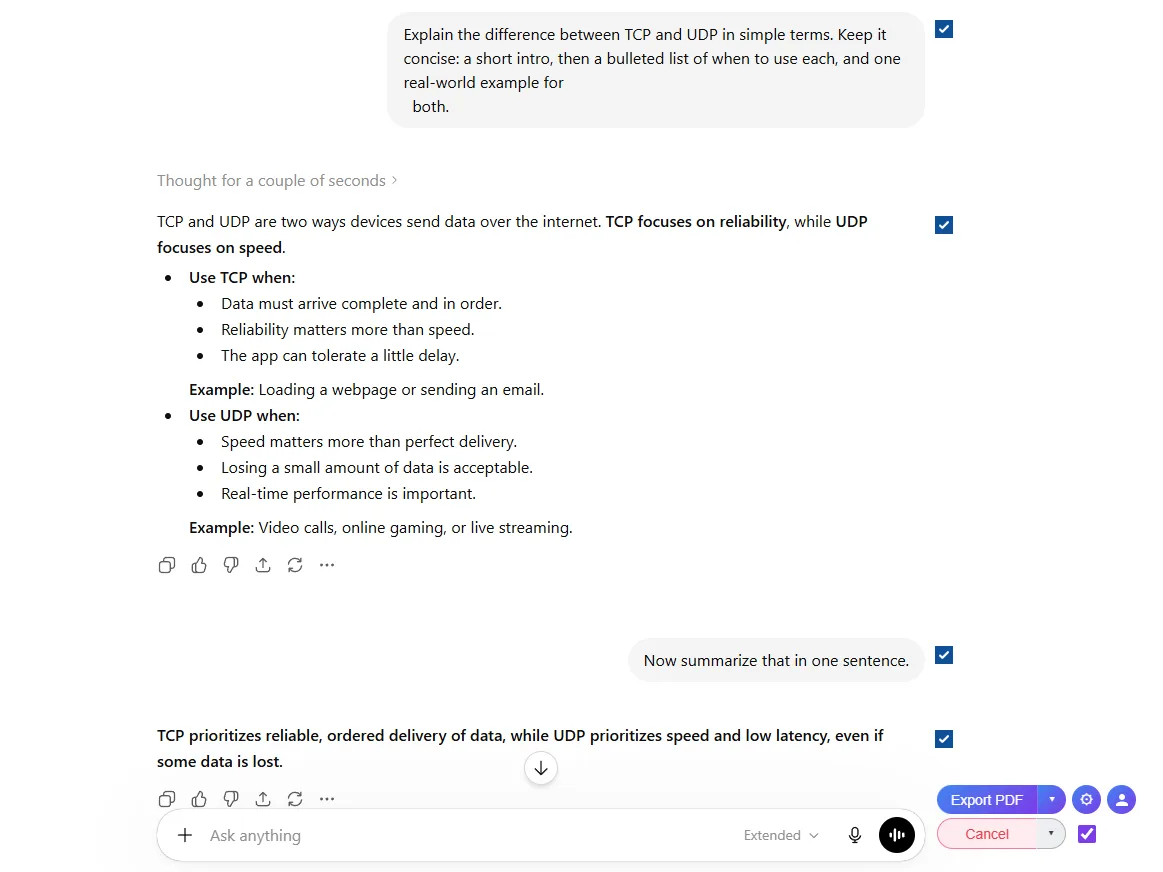
Everything you need to save ChatGPT conversations
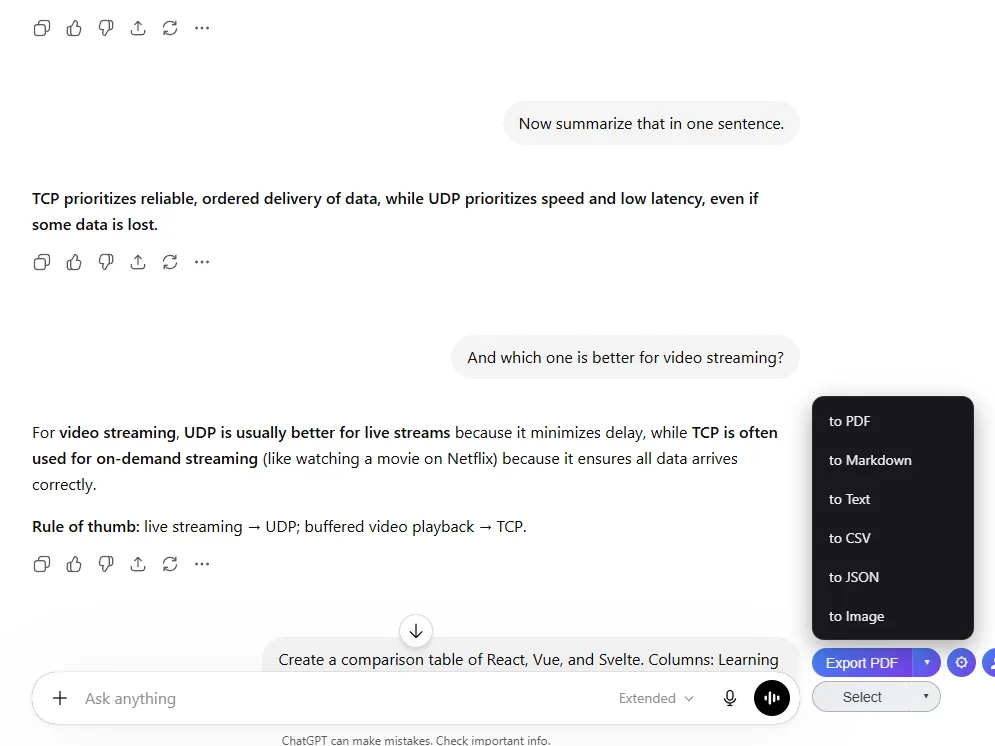
Multiple Export Formats
Export to PDF, DOCX, Markdown, Text, CSV, JSON or Image. Choose the format that works best for your workflow.
Export What You Need
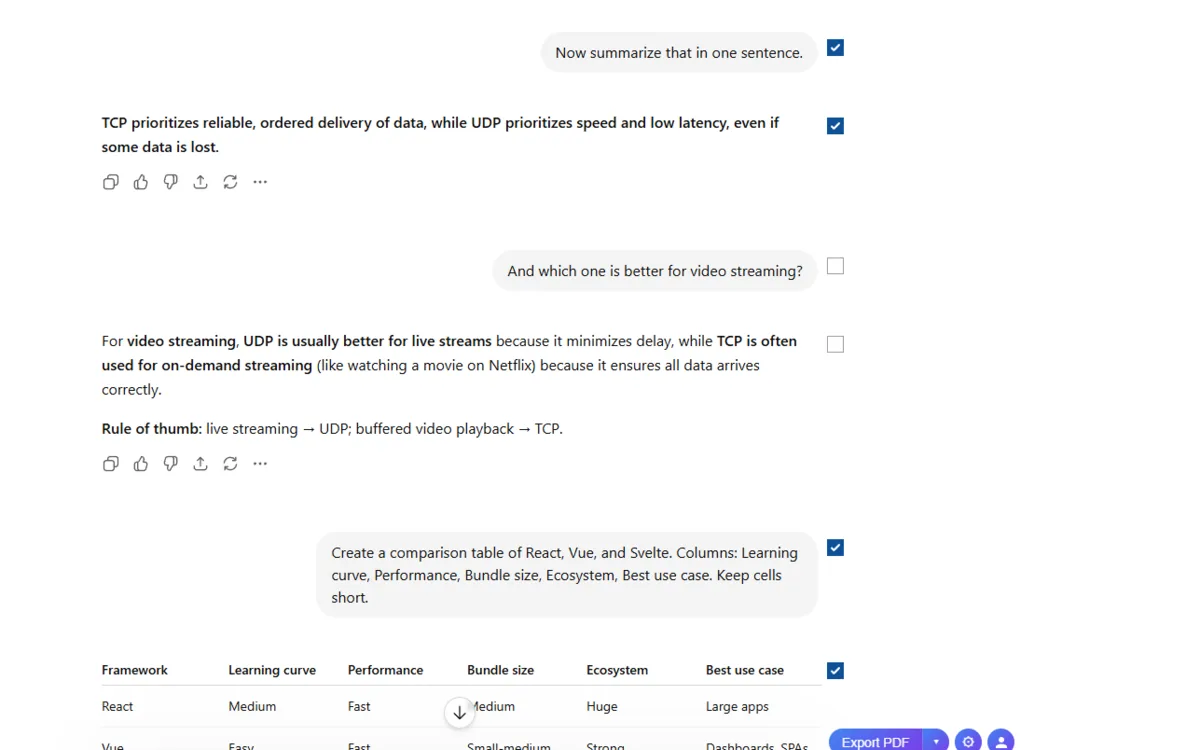
Select individual messages with checkboxes. Export entire conversations or just the parts you need.
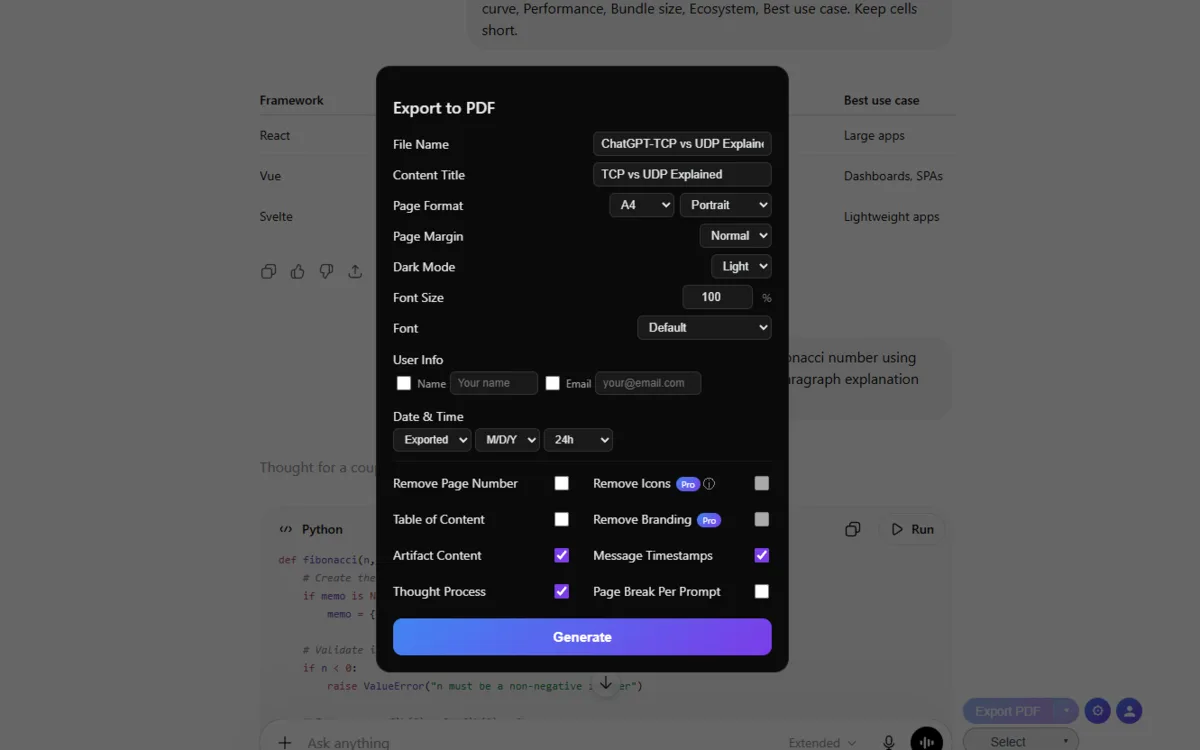
Fully Customizable
Custom filenames, page formats, dark or light mode, table of contents, timestamps, user info and more.
Preserves Everything
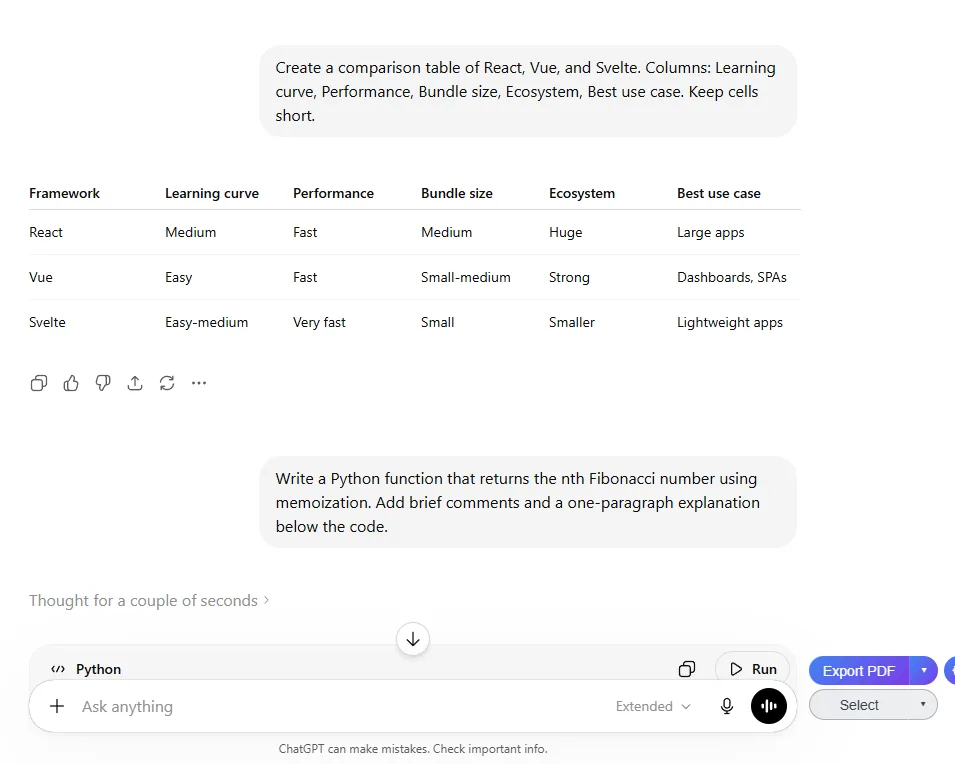
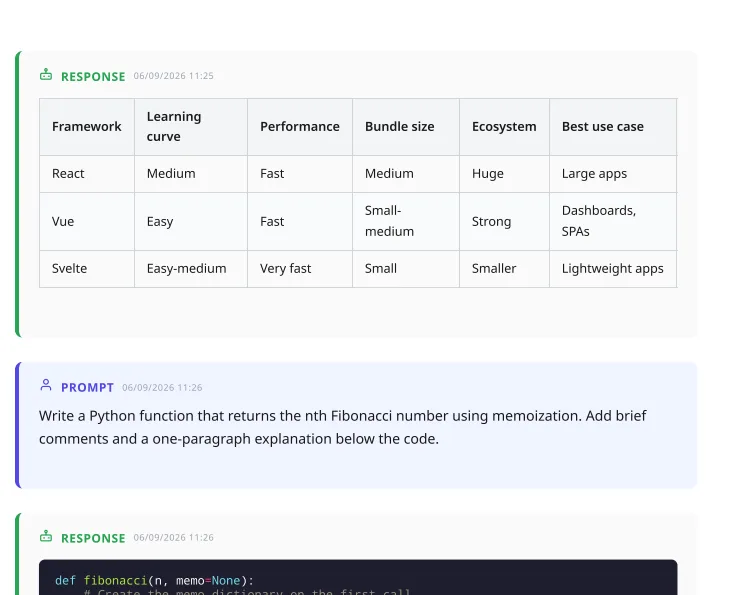
Code blocks with syntax highlighting, mathematical formulas, tables, images and structured content. All preserved.
Reasoning travels with the answer
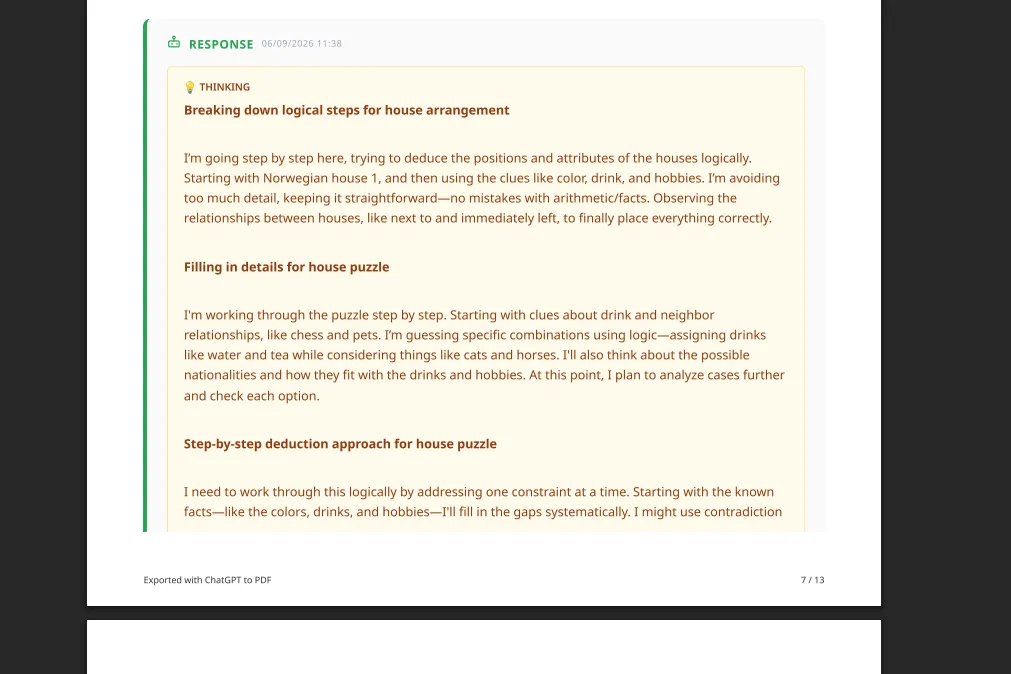
When ChatGPT shows its reasoning (Thinking) or cites web search sources, the export carries them through. Sources land as a list, the reasoning block lands as its own section, and tables keep their formatting. Nothing collapses to bare text.
Frequently Asked Questions
What is ChatGPT to PDF?+
ChatGPT to PDF is a Chrome extension that lets you save your ChatGPT AI conversations as PDF, DOCX, Markdown, Text, CSV, JSON or Image files.
How do I export ChatGPT chats?+
Install the ChatGPT to PDF Chrome extension, open chatgpt.com, click Select to choose messages, then click Export and pick your format. It takes about 30 seconds.
Is it free?+
Yes! Markdown, Text, CSV, JSON and Image exports are completely free with no limits. PDF/DOCX exports are free up to 3 per day. Paid plans unlock more PDF/DOCX exports and premium features.
What browsers are supported?+
Chrome, Edge, Brave and other Chromium-based browsers. Install from the Chrome Web Store.
Can I export specific messages?+
Yes! Click Select to show checkboxes next to each message. Pick individual messages or use the select all toggle.
How do you handle my data?+
Markdown, Text, CSV, JSON and Image exports are processed entirely in your browser. Data never leaves your device. PDF/DOCX exports are processed on our servers temporarily and deleted immediately after generation.
Ready to get started?
Install ChatGPT Chat Exporter to save your conversations as PDF online.
Add to Chrome · It's Free